


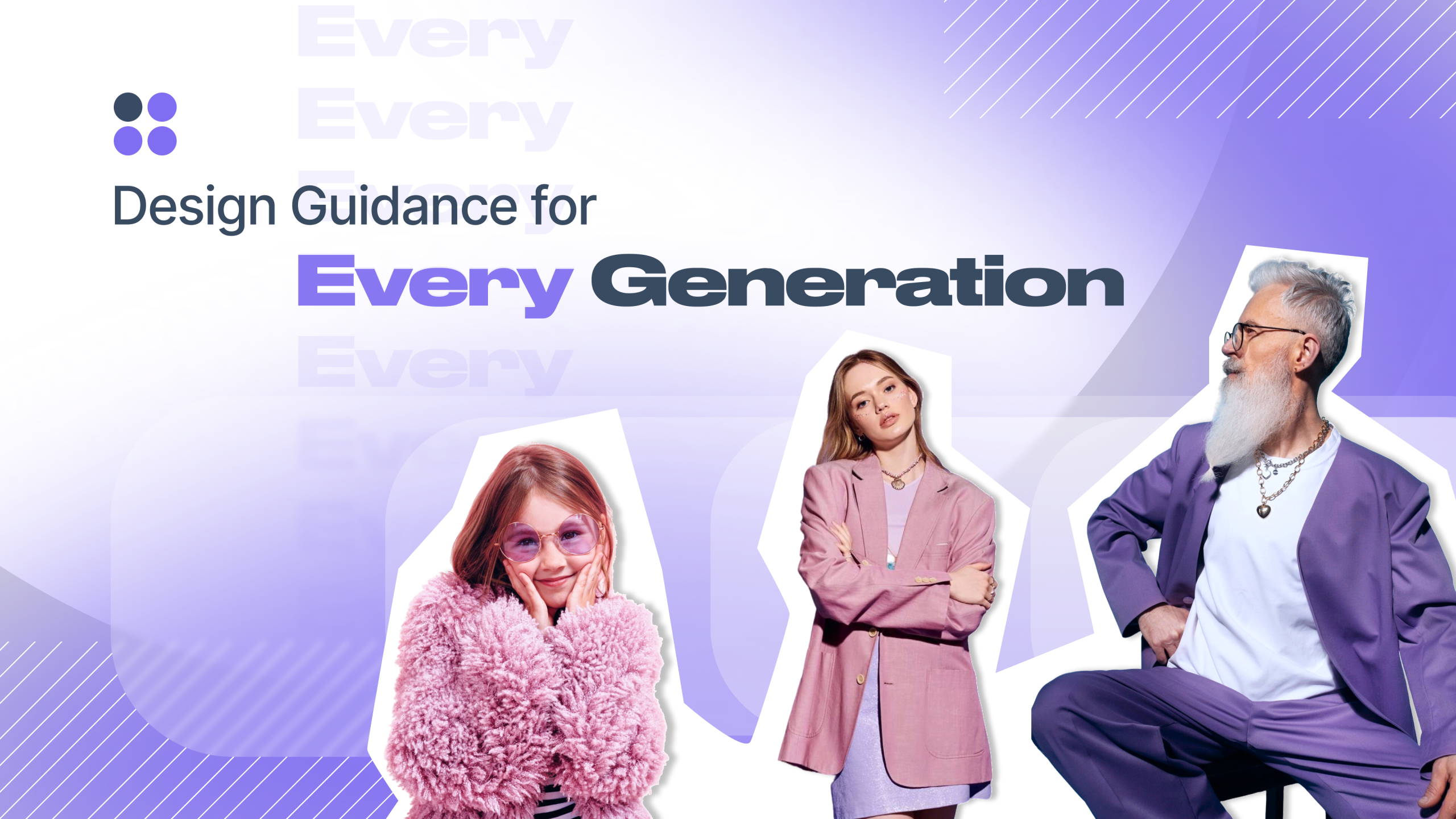
Design Guidance for Every Generation
Here’s something wild: a fifteen-year-old and a seventy-five-year-old are both scrolling through your website right now. But they might as well be using entirely different internets. For the Techtio web design team, one thing is clear: each of them experiences the look and functionalities of a site differently. So, let’s talk about design guidance that actually works across generations.
The truth is that inclusive design guidance isn’t just a nice-to-have anymore. It’s about building websites that can be used by flesh and blood humans, not abstract age groups.
Why Multi Generational Design Matters (Spoiler: Everyone Gets Old)
Let’s be frank: if you ignore an entire age group, you’re basically telling them your website isn’t for them. That’s not just bad business, it’s short-sighted. Every age group interacts with websites differently based on their physical abilities, cognitive development, and web experience levels. The kicker? Multi generational design means you’re future-proofing your work. Today’s Gen Alpha kids scrolling TikTok are tomorrow’s decision-makers with credit cards. And all of us, Millennials and Gen X? We’re eventually joining the senior citizen club, whether we like it or not.Teens: The Social Butterflies of the Digital World
If you’re designing for teenagers, remember this: they’re more socially focused than any other age group, using technology primarily for peer interaction rather than goal achievement. Teens aren’t just browsing. but performing. They want to be seen, heard, and connected to their friends. Your website needs to facilitate that social experience, whether through community features, shareable content, or ways to contribute their voice.Here are some key Gen Alpha design trends:
- Graphics over text: Teens skim more than they read, so prioritise visual storytelling.
- Moderate animation: Add movement and interactivity, but don’t go full Saturday morning cartoon.
- Avoid being childish: Teens are hyper-aware of how things look to their peers. Make it sophisticated enough to feel “mature.”
- Tap into trends: What’s popular right now matters. Culture moves fast for this group, and your design should feel current.
- Make it shareable: Enable social features that let them spread content to friends effortlessly.
Adults: The Goal-Oriented Power Users
Adults visit websites with explicit objectives and rely on search functionality rather than discovery. They’re not here to explore. They want to accomplish something, then move on with their lives. This age group has peak motor skills and filters out advertising noise like pros. The catch? They’re also the hardest to genuinely engage because they’re efficient, focused, and a bit jaded.Design guidance for adults:
- Prioritise usability: If they can’t find what they need quickly, they’re gone.
- Favour text over visuals: Unlike younger users, adults prefer reading detailed information.
- Cut the fluff: Straightforward navigation and clear calls-to-action beat clever design tricks.
- Make it accessible: Even at peak ability, people have varying needs—design with accessibility in mind.
- Earn engagement: Adults won’t stick around for entertainment alone. Give them value, solve their problem, respect their time.
Seniors: The Overlooked Digital Pioneers
Let’s be honest: elderly users often get the worst end of the design guidance stick. Many are experiencing the web for the first time, having grown up in a world without computers. Yet many web designers expect them to navigate interfaces built for digital natives. Declining motor skills, reduced dexterity, and potential vision challenges make web browsing genuinely difficult. But here’s what those designers miss: seniors are patient, willing to learn, and often more engaged than younger users when you give them the right tools.Inclusive design guidance for seniors:
- Large, readable text: Don’t make them squint. Legibility should never be sacrificed for aesthetics.
- Big, clickable targets: Links and buttons need to be easy to tap or click without precision mousing.
- Minimal distractions: Keep animations subtle and avoid overwhelming movement that diverts attention.
- Clear navigation: Straightforward menus and logical site structure eliminate confusion.
- Encourage social connection: Many seniors use the web to stay connected—make community features accessible.
- Reduce error correction: Don’t put the burden on users to fix mistakes. Design to prevent them instead.
Create a Website for All Generations with Techtio!
Inclusive design guidance means you’re not picking favourites. Instead, you’re building something that genuinely works for the humans using it, regardless of when they were born. At Techtio, we know how to create experiences that engage your entire audience, from Gen Alpha to Boomers and everyone in between. Because great design isn’t about choosing which users matter most. It’s about making them all feel welcome. Get in touch with us today, and let’s build something people of every age will love using!Have any question?
Do not hesitate to contact us. We’re a team of experts ready to talk to you.
Your Opinion Matters!

Your feedback is important to us and we would greatly appreciate your thoughts on this article! Please let us know if you liked it so we can improve our content in future:
Get in touch!
For any questions or concerns, you may contact us using the following details
- + (357) 25 256 865
- [email protected]